Crush · the bag of tricks · production motion recipes
One token system.Forty-three tricks.Copy, re-skin, ship.
Every effect on this page consumes the same
--ease/--dur/--spring tokens — that shared rhythm is
what reads as "designed by one hand." Lift the token block once per build, re-skin the four
brand colors, then paste any trick. Each block is fenced with
▼ BEGIN COPY / ▲ END COPY in this file's source.
This headline is Trick 02 — the masked line rise you just watched.
Trick 01 · the background melt
No section owns a background. The page melts.
Keep scrolling — cream became forest became night without a single hard
seam. The body owns one background-color with a 950ms transition; a 14-line
IntersectionObserver hands it each section's data-bg/data-ink as
that section crosses the viewport center. Works in every browser. The 2024 GSAP flex is
now a paste.
Trick 01 · continued
Ink melts with it, so contrast never breaks.
data-ink rides along on the same transition — light text
arrives exactly as the ground darkens. Use 3–5 zones max per page; the melt is a
narrative device (day→night, summer→winter, calm→urgent), not wallpaper. And verify contrast at the MID-melt colors — interpolated states are real states.
Trick 21 · compressing glass nav · Trick 22 · popover menu canvas
The bar riding this page is Trick 21.
Scroll and watch it tighten into a floating pill — roomy at rest, compact in
motion, booking always visible. Probably the single most universal "expensive site" tell,
and it's three lines of JS. Detail that sells it: the CTA's corners are CONCENTRIC with
the bar's — its radius travels to a pill as the bar becomes one. Trick 22 is its mobile partner: the menu opens as an
art-directed room on the native Popover API — Esc-dismiss, focus handling and backdrop for
free, zero JS.
Buttons press in. Or fill. Or swap their own words.
Press-in is the house default. The ghost fills with ink on hover
(the Archetype "New Prospect" move). The third one is the Webflow classic: hover and the
words exit upward, their twins arrive from below, left to right — and the arrow's twin
slides in from the corner. Then hover a card: siblings yield via :has(),
and the last card melts into a brand fill and melts away when you leave.
These blocks entered staggered on the shared curve —
--i declares the order, the tokens do the rest. And this underline is the
pencil-class SVG draw, firing when the scene enters view:
Trick 18 · headline entrances
Out of the fog.
Letter by letter.
One clean sweep.
Blur-focus · per-letter cascade · clip sweep — plus
the masked line rise that opened this page and the per-word rise on Bottle Rocket's hero.
Pick ONE per build and let every headline use it; two different title entrances on one
page reads as indecision, not range.
Trick 23 · ken burns ambient · Trick 24 · the rotor word
Stills that breathe. Words that take turns.
We staff
coworkingflexboutique
spaces.
The photo is on a 22-second drift — ambient-safe,
makes any hero still feel alive. The rotor is handle-with-care: sub-heads only, never the h1
promise, three words max.
The number eased in when this scene hit the viewport. The image below wiped
open on the same trigger, and inside its frame the photo drifts on native CSS
animation-timeline: view() — scroll and watch it move against its crop.
These run ON the scrollbar and reverse with it — the 2024 GSAP flex, now
native and zero-JS.
Every word of this promise inks in as you read down the page, and un-inks if you change your mind on the way back up.
And the stroke under
family-owned since 1987 grows only while it crosses the viewport.
Trick 26 · scroll-expanding media
The frame lets go.
It starts as a framed editorial panel and opens toward full bleed as you
scroll — cinematic scale for a finished job or a signature dish, no video required.
Trick 11 · sticky-stack cards
Cards that pin and stack.
Each card sticks at the same offset; the next slides over it. Plain
position:sticky — normal scrolling, no jacking, big agency energy. ONE stack per page; two reads as the page resisting scroll.
One. The claim.
Two. The proof.
Three. The ask.
Trick 27 · sticky scrollytelling
One pinned visual. Three scrolling steps.
The copy scrolls normally — nothing is jacked — while the pinned panel swaps
to match the centered step. THE "our process" pattern for trades, methods, tastings.
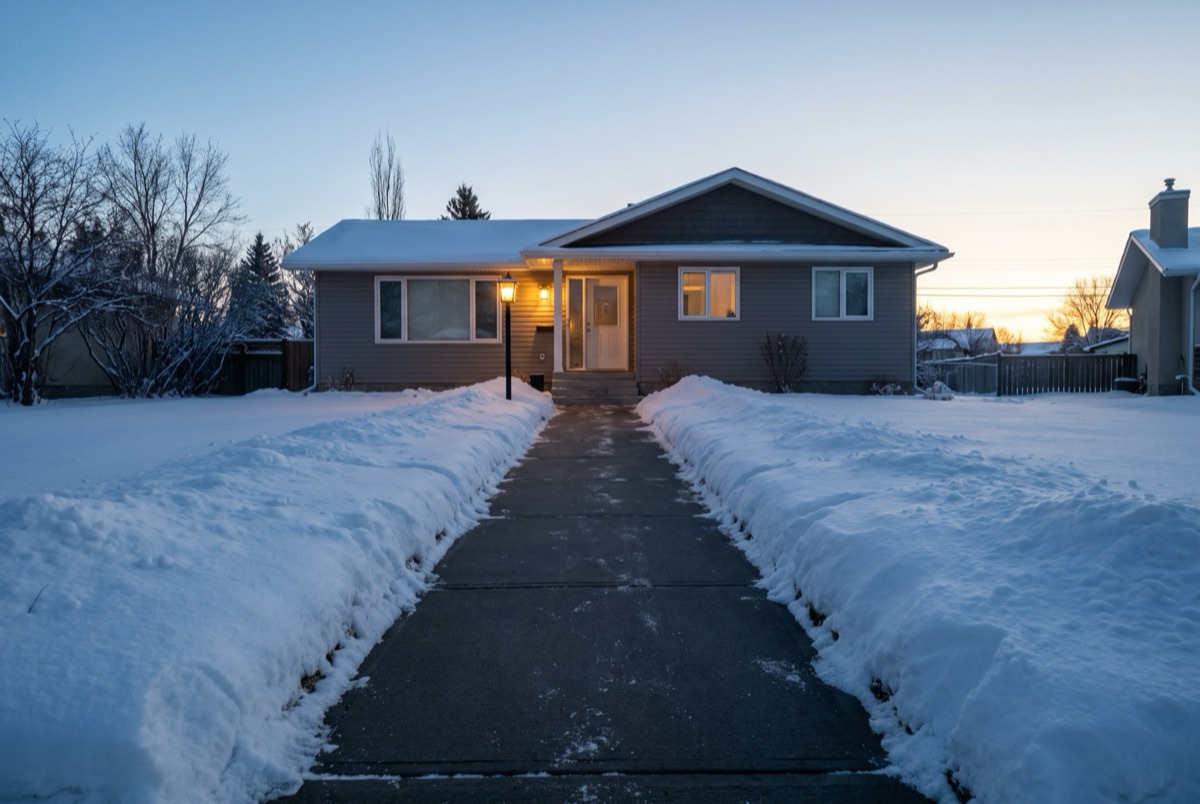
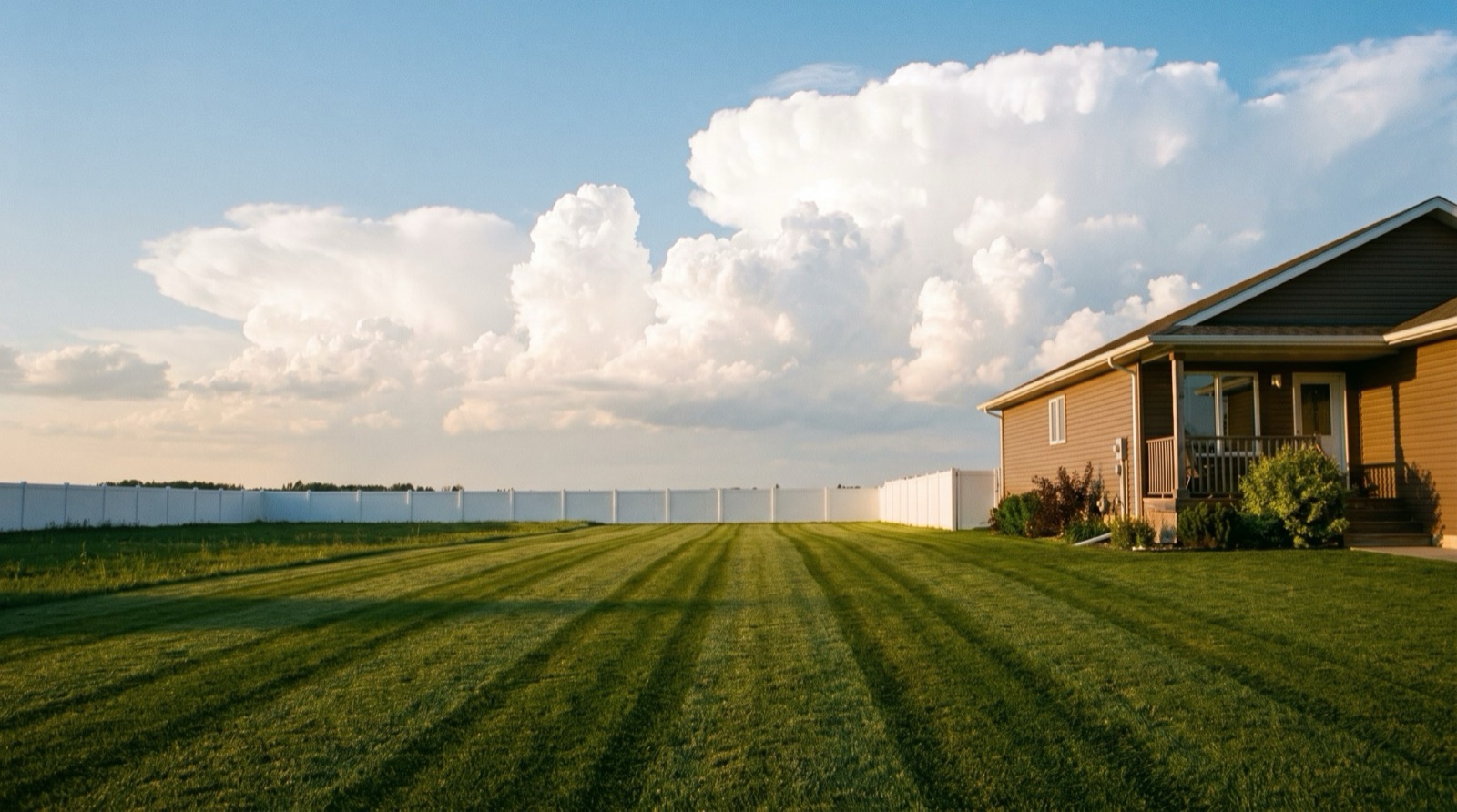
01 · Summer
The weekly cut, edges included. The visual on the right is listening to which of
these steps sits at your viewport's center.
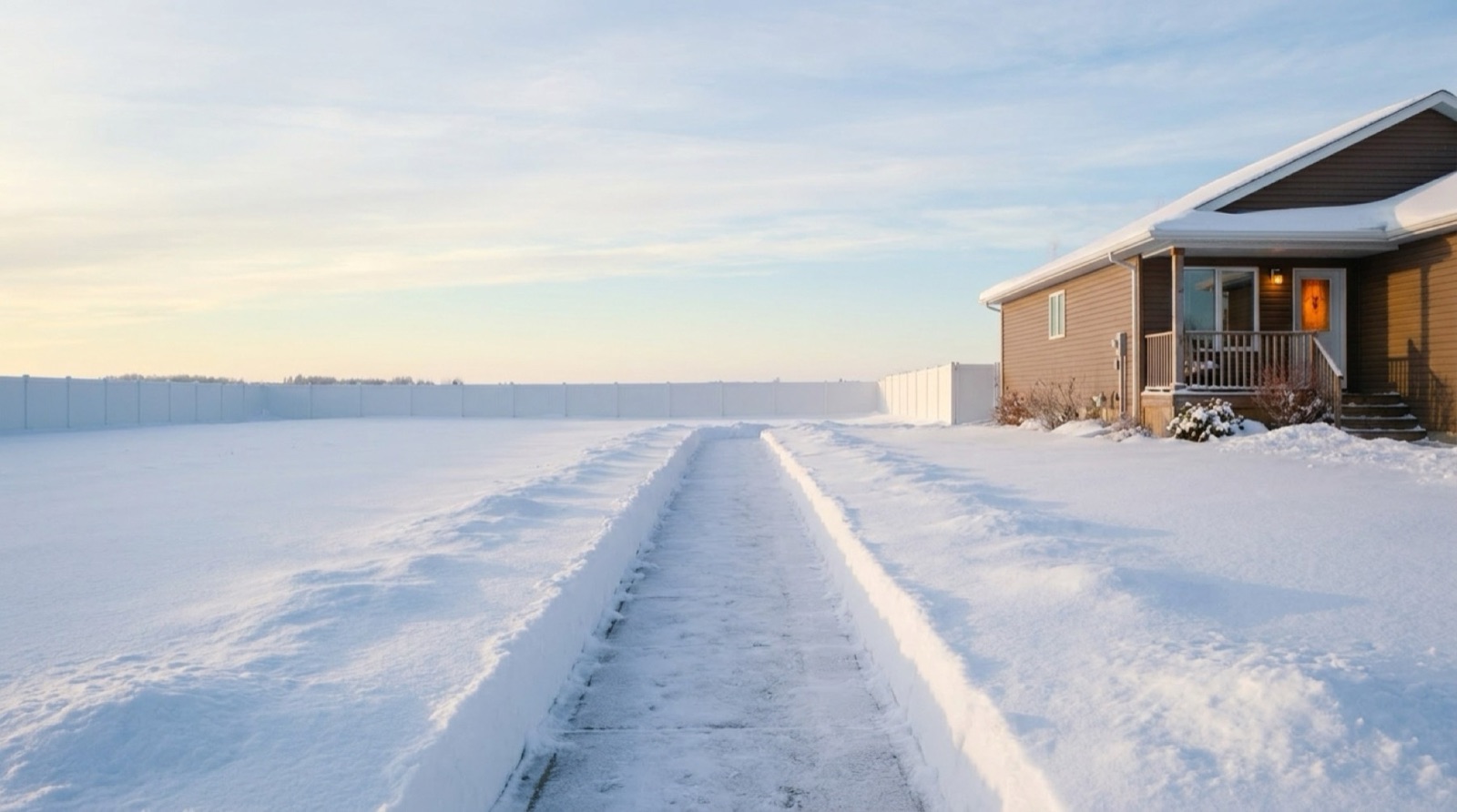
02 · Winter
Same crew, same driveway, opposite season. Keep scrolling — the panel already
knows.
03 · The neighbourhood
Where the before/afters live. Three IO lines of JS run this entire section.
Trick 12 · blend-mode knockout
The type is a window — the photo lives inside the letters.
The move from the Gemini coast build, one CSS property. Short display text only — it is fragile over busy crops.
Hover the index. Then see an ordinary photo become brand material.
Mowing 01
Snow 02
The neighbourhood 03
the phone shotthe brand asset (trick 14)
Trick 28 · CTA halo · Trick 29 · pointer lens
Pointer-aware. Never pointer-hijacking.
Magnetism done right: the accent GLOW follows your pointer inside the button
— the click target never moves. And the photo hides a second photo, revealed through a
circle under your cursor. Both are @media (pointer:fine)-gated; phones simply
get the button and the first photo.
One range input drives a clip-path — keyboard and touch work for free.
Roofs, cleans, renos, snow contracts: show the work, don't claim it.
SummerWinter
Trick 30 · snap-and-peek rail
The clipped card does the advertising.
Native scroll-snap, mobile-first: the next card peeks in from the edge, so
nobody needs a hint to swipe. Services, trainers, testimonials, dishes.
The weekly cut Edges, trim, haul-away included.
Season pass Summer stripes + winter driveway, one plan.
Aeration Spring booking opens in March.
Snow contract Cleared before your commute.
One-time rescue Overgrown? We've seen worse.
Trick 31 · the success moment
The conversion deserves the best animation on the page.
Peak-end applied to the money action: the confirmation expands inline on the
spring token — no redirect, no alert. Submit it.
Trick 32 · decode polish
Images resolve. They don't pop.
A brand-colored soft focus that sharpens exactly once, when the browser has
actually decoded the pixels — no preloader, no layout shift. Hard-refresh on a slow
connection to catch it in the act.
Trick 34 · the proof wall
Reviews, hung like a gallery.
CSS-columns masonry — heights vary because real quotes vary — every card
carries its source chip, and the wall FADES OUT instead of ending (there's always more).
It choreographs ONCE — title, subtitle, rows sweeping in left-to-right — then holds still: after the entrance, the premium feel is the mask and the variety. On a build:
verbatim quotes, real sources, and the avatar cluster counts something true.
DKMBJTRS140 driveways on the weekly route
"They started the spring after we gave up on the last guy. Three seasons now — the stripes are the envy of the cul-de-sac and I've never once chased an invoice."
Placeholder D.Willow ParkGOOGLE ★5
"Snow was gone before my 6 a.m. shift. Every storm, all winter."
Placeholder M.Season passFACEBOOK
"Asked for a quote at 9, had a number by 10, lawn cut Thursday. That's the whole review."
Placeholder J.Weekly cutGOOGLE ★5
"We manage eleven rentals. One text and every property is handled — the tenants stopped calling us about grass, which is worth more than the mowing."
Placeholder R.Property managerEMAIL
"Edges like a golf course."
Placeholder T.Aeration + cutGOOGLE ★5
"Recommended them to my mother, which is the highest clearance I issue."
Placeholder A.Two seasonsX
Trick 37 · the live feed
The route, ticking.
Ported from Magic UI's animated-list: the newest entry springs in on top and
the stack breathes down. Proof that the business is ALIVE — jobs booked, driveways cleared,
estimates sent. Feed it real events or don't run it.
Trick 35 · border beam · shine border · ripple
Light runs around the money card.
Ported from the Magic UI templates: a conic gradient chases the border of
THE ONE card that matters, and rings pulse behind exactly one CTA. The beam CHASES, the
shine BREATHES — pick ONE of the three per page, ever. Two is a carnival.
Season pass
Summer stripes + winter driveway. One plan, first on the route all year.
$180/mo
First visit free
The shine breathes across the border — quieter than the beam.
Composition insurance: one hero cell earns its size, the satellites vary,
spans do all the work. If a page keeps drifting into a dead right column, a bento is the
cure that still looks like a decision.
Trick 38 · the text case — aurora · line-shadow · typing · word blur · marker
Aurora, for one hero word.
ENGRAVED.
Every word arrives out of the air.
And a real promise gets the marker, drawn once, when you reach it. Five display treatments — a build picks ONE; they don't share a page. Typing is for terminal-and-playful brands only.
Trick 39 · spinning text · the 3D flip
Words that perform.
We clear driveways overnight.
★
The badge spins forever — it's a stamp, not copy.
The flip word is the rotor's dramatic cousin, same rules: sub-heads only, three words.
Trick 40 · magic card · interactive hover button
The card knows where you are.
Magic UI's signature card: the ground AND the border glow under the pointer.
And the button whose dot swallows it whole. Pointer-gated; phones get clean cards.
Executive search
Move the pointer across me — ground and border both answer.
Four stacked backdrop layers, each blurrier and masked lower — the modern
fade-out. Use it where content exits: under a feed, over a photo's caption zone, at a
rail's edge.
The caption sits IN the dissolve.
Trick 42 · light rays
Weather for dark sections.
Conic slivers drifting from the top edge — two layers swaying against each
other. Ambient-safe: it's atmosphere, never information.
Open early. Lit like it matters.
The rays ride ::before/::after on the panel — content stays untouched above them.
Trick 43 · the theme flip
The new theme floods from the click.
One View Transition, clipped to a circle that grows FROM YOUR CURSOR.
Browsers without the API just swap instantly.
After-hours mode
Flip me. The circle starts exactly where you clicked — that spatial honesty is the whole trick.
Trick 19 · shaped sections
Blocks don't have to be rectangles.
The file-folder tab — one pseudo-element and two gradient corner pieces make
the S-curve. The pocket is real estate: park the section label or a small CTA in it. Cousins
in the source: arch tops, slanted seams.
Case file · 01
A dark chapter, shaped like a folder.
The notch color rides --zone, so it keeps
matching the page even mid-melt. Works as a case study card, a "the problem" chapter, or a
quote vault.
Trick 20 · gradient grounds
A gradient is a ground, not a decoration.
Two or three soft brand radials over paper — a mesh for free — and one
registered @property lets a stop drift, so the ground breathes. Watch this one
for a few seconds.
Copy sits happily on it — the tints never touch the contrast.
Trick 16 · marquee · Trick 17 · micro-craft
BRAND-EARNED ONLY·PAUSES ON HOVER·DUPLICATE THE TRACK ONCE·BRAND-EARNED ONLY·PAUSES ON HOVER·DUPLICATE THE TRACK ONCE·
And the three one-liners nobody notices but everybody feels:
select this text (brand selection color), look at the scrollbar (tinted), open this:
A smoothly-animating accordion, no JS
Native details + interpolate-size. FAQs for law and trades earn their keep.
Trick 07 · below — the mega-footer scaffold
The finale is structure + one brand idea.
The scaffold below is the bones (brand column leads, edge-hugging, legal
bar closes). The finale idea — the drawn shortlist, the closing aphorism, the orbit — comes
from the brand. Peak-end: it's the last thing they see, so it's never a link dump. And the way you REACH it
is Trick 33 — the page is an opaque curtain that lifts off the pinned footer. Watch
the seam as you keep scrolling.